tapes

A four-track tape recorder for iPhone and iPad.

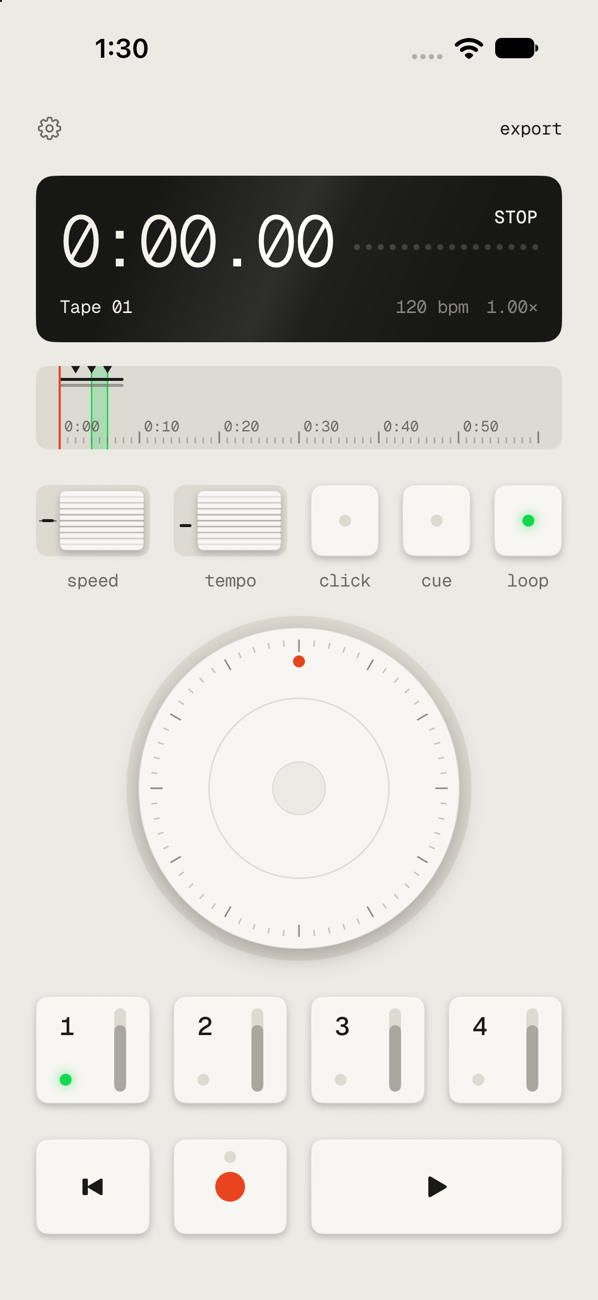
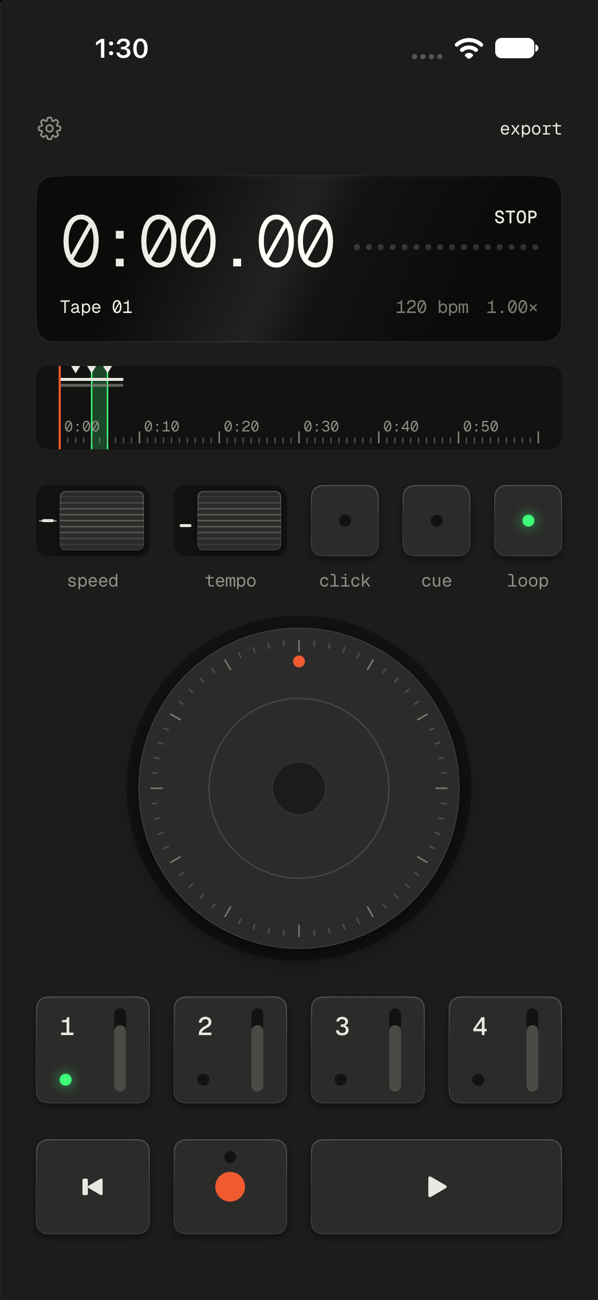
Tapes on an iPhone: display, tape scale, two thumbwheels, three keys, the dial, four track keys and the transport. Tapes on an iPhone: display, tape scale, two thumbwheels, three keys, the dial, four track keys and the transport. Tapes on an iPhone: display, tape scale, two thumbwheels, three keys, the dial, four track keys and the transport.

Catch an idea

Open it, press record, play. It’s saved when you stop.

Layer a demo

Guitar first, then bass, then a voice. One track at a time, up to four.

Work on a part

Loop the bars you keep missing and play them until they stick.

Play in time

Turn on the click and record along to it.

Bend the sound

Slow the tape down or speed it up. The pitch goes with it.

Send it to someone

Save the mix as a WAV file and share it with your band.

Plug things in

Tapes records from whatever input your iPhone or iPad is using. Connect USB audio gear and that becomes the input.

USB-C synth or drum machine
Straight in. Gear with USB audio needs one cable, and you listen on its headphone jack.
mic USB audio interface USB-C headphones
Through an interface. For a mic or a guitar. Listen on headphones plugged into the interface.

Tracks are mono, so a stereo source is mixed to one channel.

Three finishes

Light, Dark and Green. Orange means recording. Green means on.

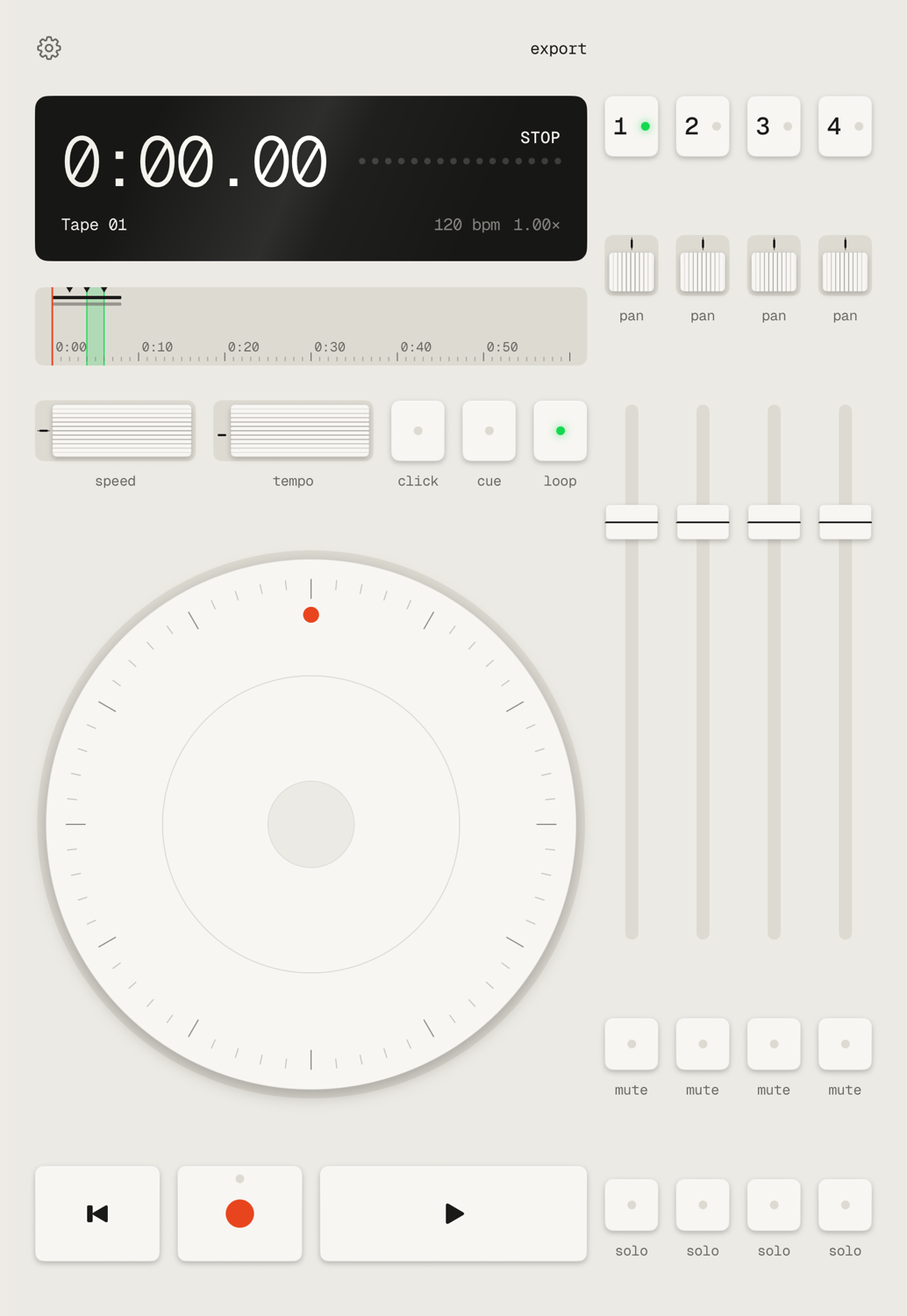
Tapes in the Light finish: display, tape scale, two thumbwheels, three keys, the dial, four track keys and the transport.
Light
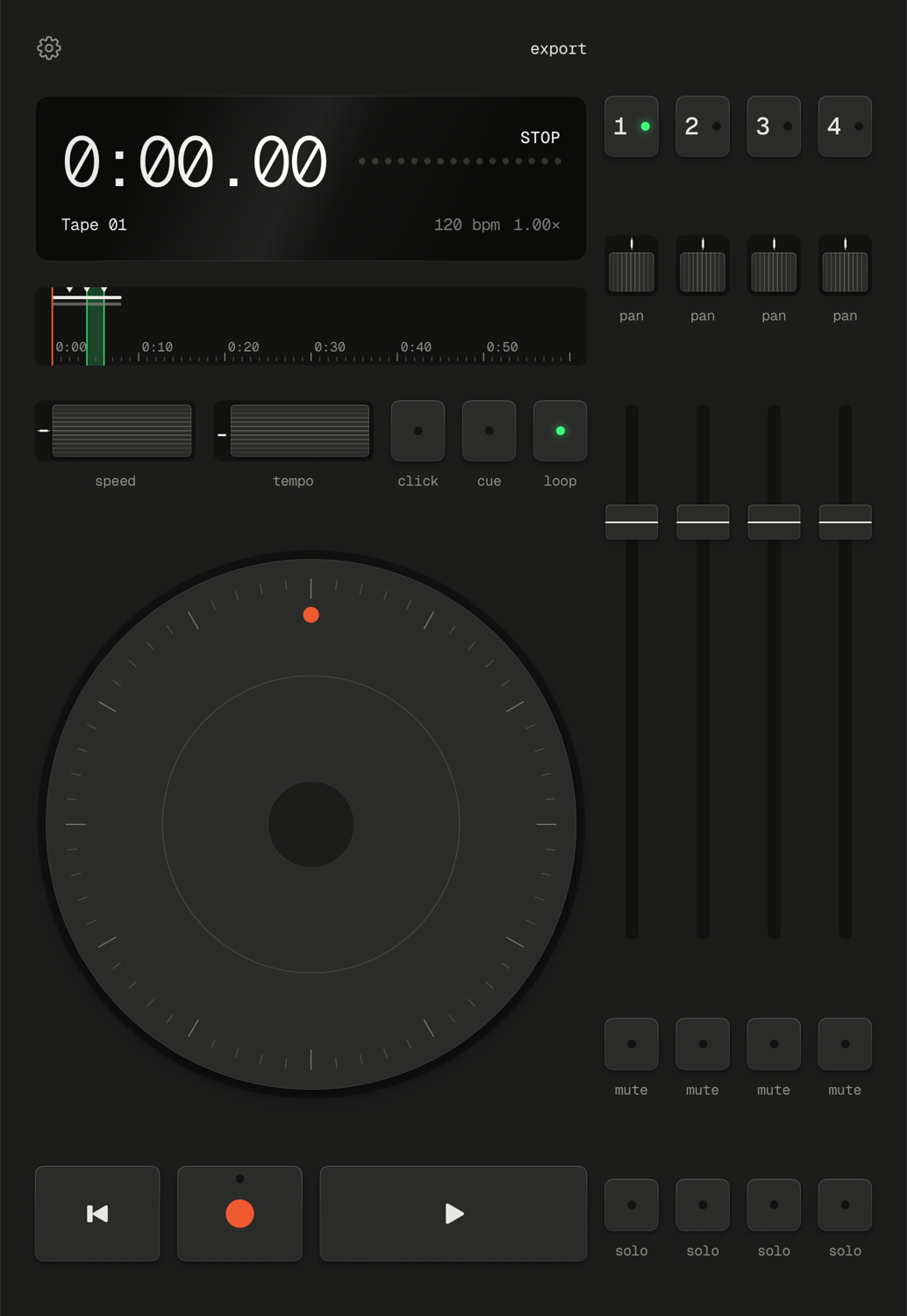
The same screen in the Dark finish.
Dark
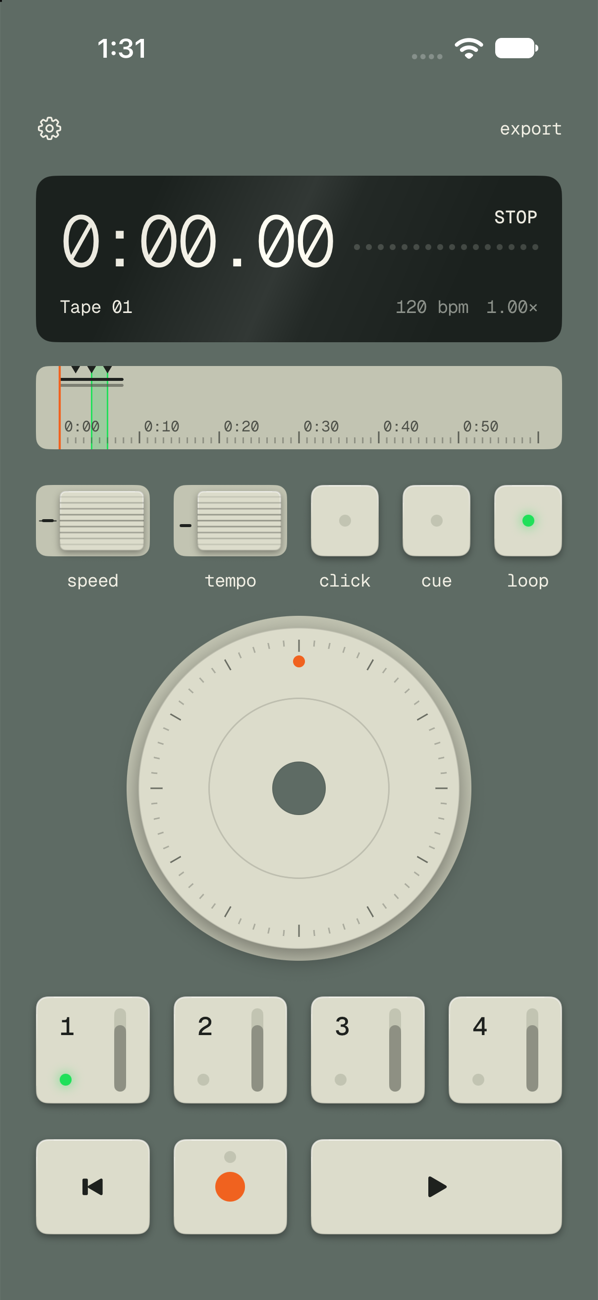
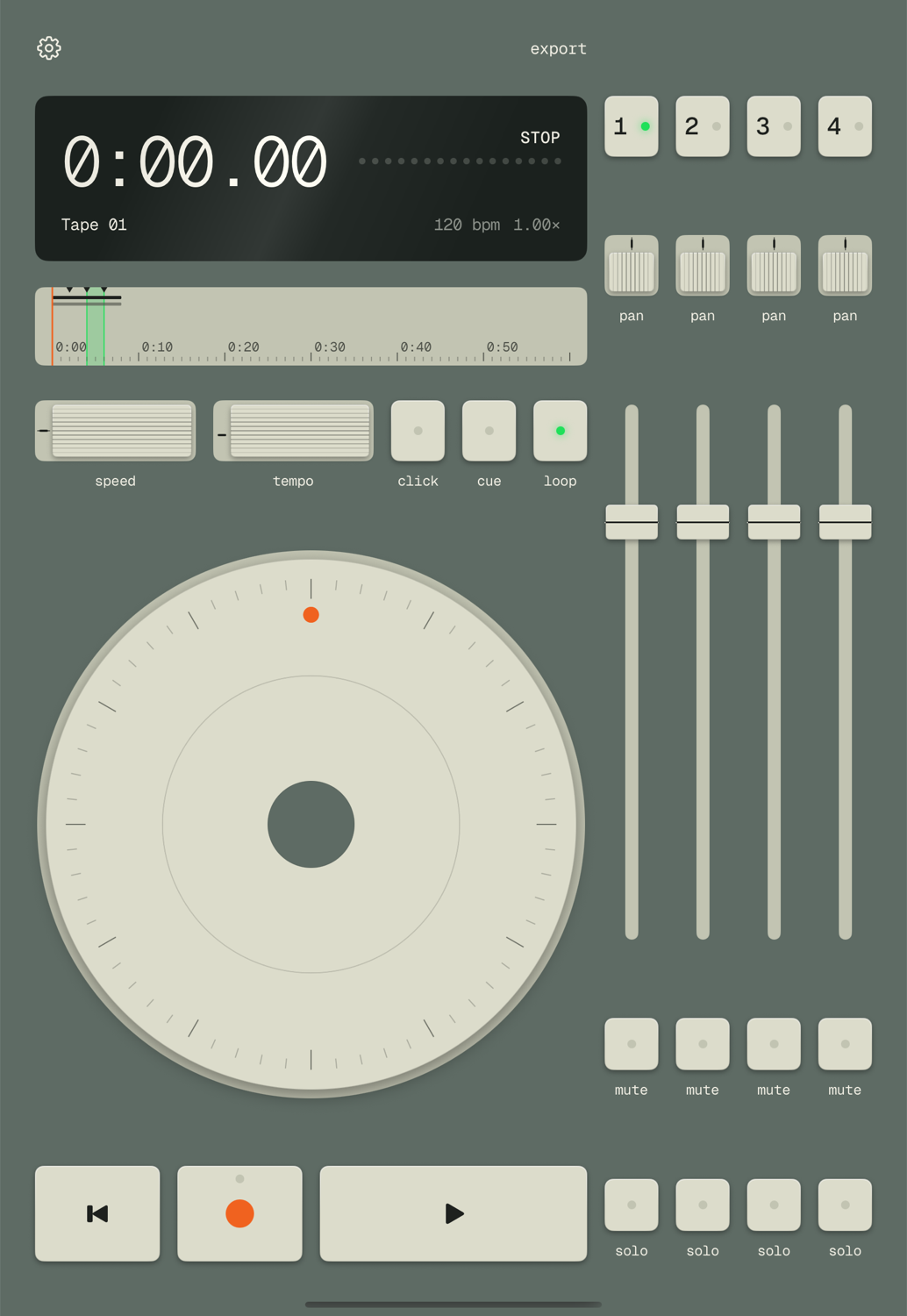
The same screen in the Green finish: a grey-green body with putty-coloured keys and dial.
Green